DreamWorks' MoonRay renderer, native to Blender.
MoonRay for Blender brings DreamWorks Animation's open-source production renderer to Windows, as a Blender render engine. It renders on your CPU and streams textures from disk, so the computer you already have can render much larger scenes, without the latest graphics card.
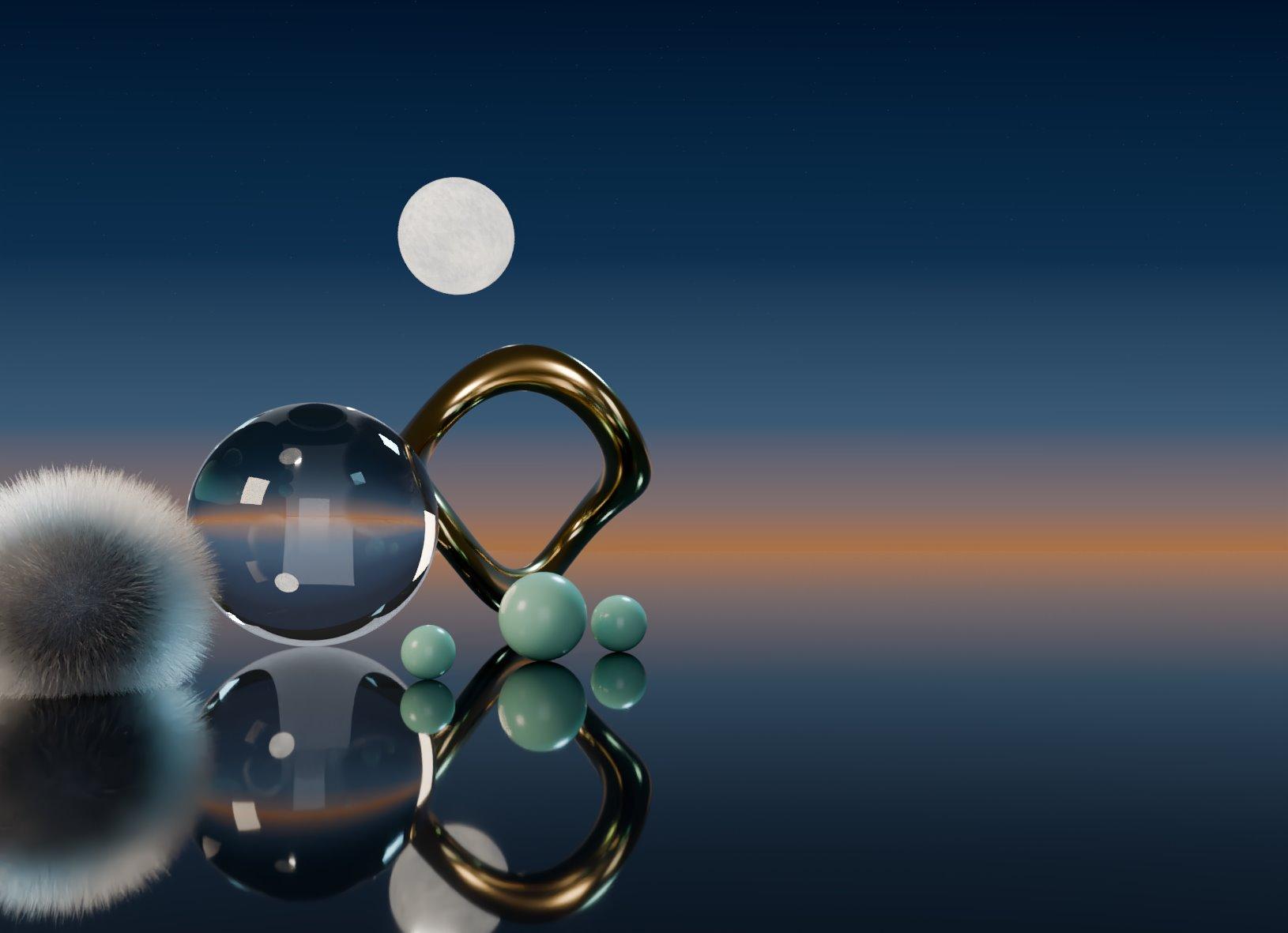
Bigger scenes on the computer you already have
MoonRay renders on the CPU, so a scene has your computer's memory to work with instead of a graphics card's, and it needs less of it.
- 239 MB
- for eight 4K float textures in MoonRay's texture cache. Cycles needed 1,054 MB for the same scene.
- 424 MB
- MoonRay's peak for two million triangles, down from 885 MB before this project's memory work.
- No GPU
- needed. Any Intel Core from 2013 on, or any AMD Ryzen, renders with it.
Next, in development: your graphics card holds the part of a scene that fits, and the CPU renders the rest.
Lit the way Cycles lights it
A scene lit for Cycles keeps its look: point, area, sun and world lights land within 1% of Cycles' brightness.
MoonRay's brightness divided by Cycles' on the same scene; 1.000 is identical.
What it renders
Every line below was checked against a real MoonRay render, most of it side by side with Cycles.
Your Blender scenes, as they are
- Blender materials, worlds and lights render as their MoonRay equivalents.
- Nearly every shader node: image and procedural textures (68 cases within 0.01 of Cycles), Math and Vector Math identical, every BSDF, Light Path, Ambient Occlusion, Bevel, Raycast and Ray Portal.
- Modifiers, geometry nodes and their attributes, instances of every kind, point clouds.
- Hair (Curves and particle hair, Principled Hair with Cycles' own models), volumes (smoke and fire simulations, OpenVDB), displacement and adaptive subdivision.
- Motion blur for objects, deformation and cameras; depth of field; panoramic and stereo cameras.
- Light and shadow linking, holdouts, shadow catchers, shadow caustics, emissive meshes, Grease Pencil and Freestyle.
MoonRay's own tools in Blender
- MoonRay's material, map, displacement and volume nodes in the shader editor. Blender materials convert to them and back.
- MoonRay's nine light types and its light filters, drawn and dragged in the viewport; MoonRay's cameras.
- Every MoonRay setting in Blender's properties, with MoonRay's defaults, plus render presets from Draft to Final.
- MoonRay's AOVs, display filters, and reflected and refracted Cryptomatte.
Passes and compositing
- Combined, data passes (Depth, Mist, Normal, Position, UV, indexes), light passes, Cryptomatte, light groups and shader AOVs, read by Blender's compositor the way Cycles' passes are.
- Denoising with OpenImageDenoise.
Workflow
- F12 renders that update in the Image Editor as they render, the Rendered viewport, material previews, render regions and view layers.
- Persistent Data: an animation's frames render with the scene kept loaded.
- Texture baking, including Selected to Active.
- One setup for every Blender 4.5 or newer on the machine, no administrator rights; a new version replaces the old in place.
Scale
- Images are converted to tiled, mipmapped textures and streamed, so a scene's textures can outgrow the computer's memory.
- Compact geometry when memory runs short, chosen automatically.
What we changed inside MoonRay
MoonRay for Blender ships its own build of MoonRay: the community Windows port, with our changes to the renderer on top. Each one was checked against renders before it went in.
Blender's look, where artists expect it
Blender's spot falloff, every Light Path output, Cycles' own hair models, Cycles' microfiber sheen, Filter Glossy, the Ray Portal BSDF, light Max Bounces, and Blender's normals and quad splits.
New in MoonRay
Rays traced from shaders for the Ambient Occlusion, Bevel and Raycast nodes, shadow caustics through glass, an IES light filter, and ellipse area lights, which MoonRay had switched off.
Fixed
Coloured smoke at many bounces went from 18× too bright, with fireflies, to within 1.3% of its reference. A small sun in an HDRI sky lit scenes up to 71× too bright; now it matches Cycles within 1%.
Less memory
An empty scene went from 506 to 152 MB, two million triangles from 885 to 424 MB, and a MoonRay process now starts at 40 MB instead of 412.
Faster
Embree's own instancing, a viewport that rebuilds in a third of the time, Persistent Data for animations, a better light tree, and shader nodes run eight at a time in MoonRay's vector code.
Ready for GPUs
Device Auto starts on the GPU, and Split Frame shares one frame across several GPUs. Both are being tested on NVIDIA cards now.
The Windows port of MoonRay is Milan Jaros's work. MoonRay is DreamWorks Animation's, released as open source under the Apache 2.0 licence.
Speed against Cycles
Rendered to the same noise level, MoonRay finished first in five of seven test scenes.
Bars on a log scale. Both renderers on the CPU at 640 × 360 with the same samples per pixel and their default light paths; speed is the time each needs to reach equal noise. Measured on a 4-core laptop on 20 October 2026, before the speed work in later releases. Per sample MoonRay does more work, so its first rough preview arrives later than Cycles'.
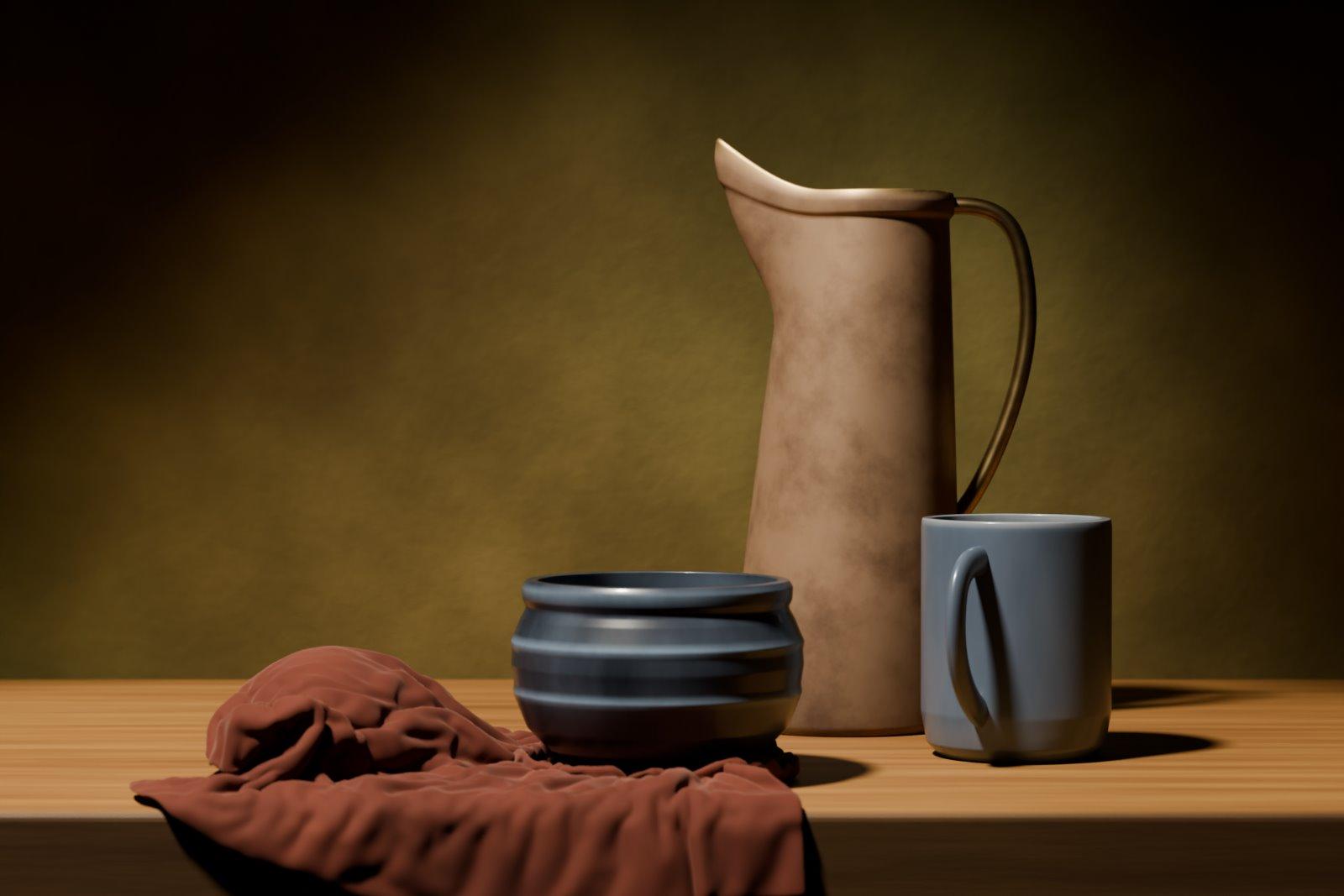
Ordinary Blender, rendered by MoonRay
A jug, a glazed mug and a slate bowl on a rust napkin, lit by one soft key from the upper left.
Nothing in it was made for MoonRay: Principled BSDFs, procedural textures and a cloth simulation, set up as you would for Cycles, then rendered with MoonRay.
188 materials, ready to drag in
A library of MoonRay materials in Blender's Asset Browser, every thumbnail rendered by MoonRay, with 31 procedural node groups and fog worlds beside them.
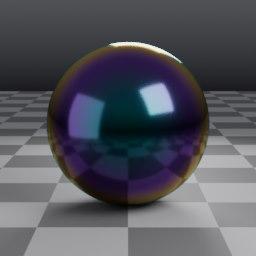
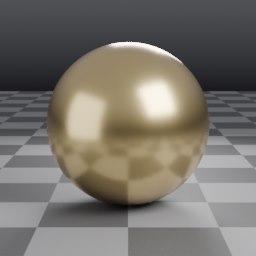
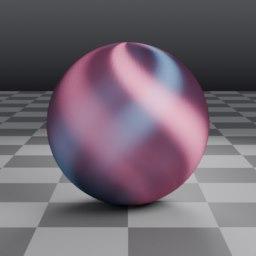
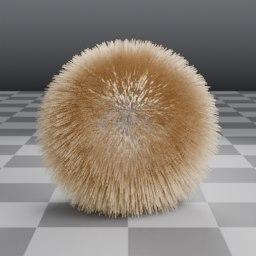
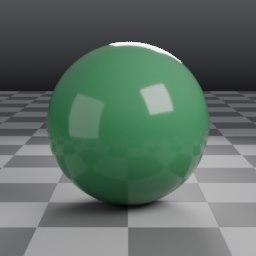
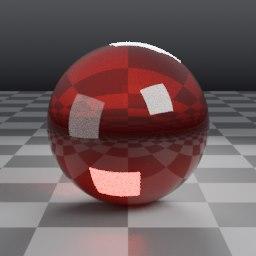
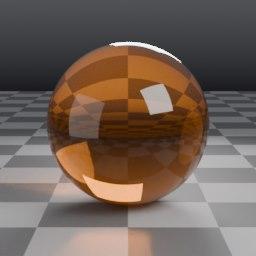
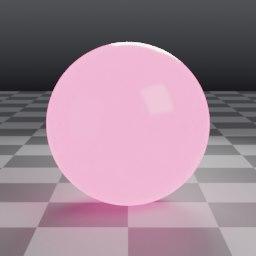
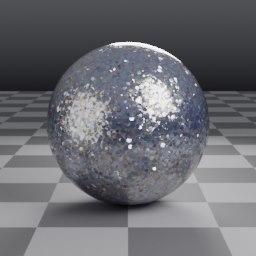
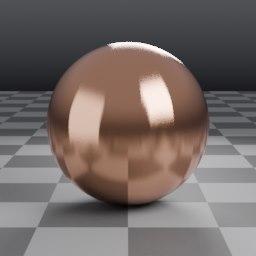
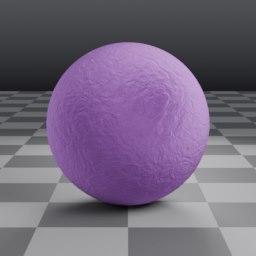
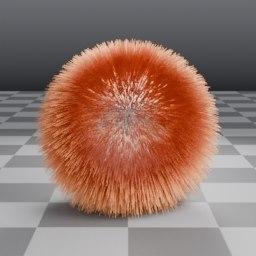
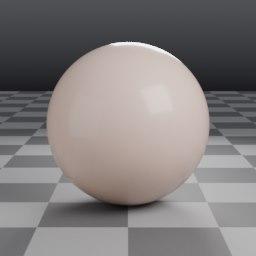
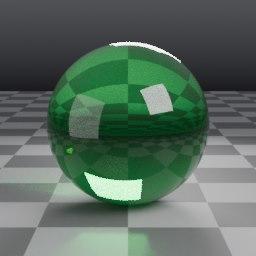
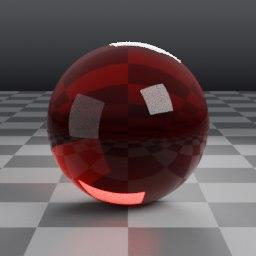
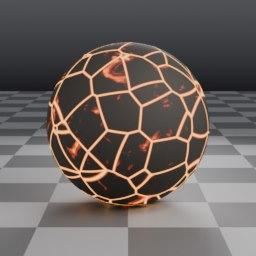
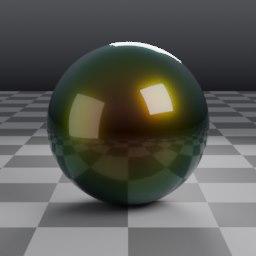
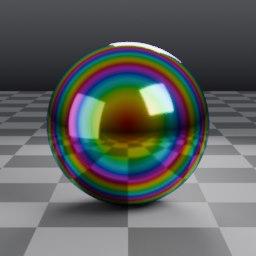
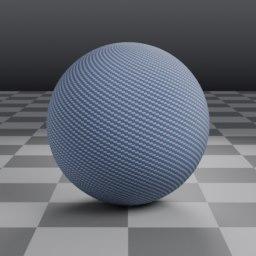
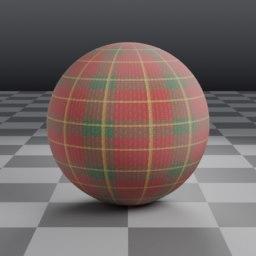
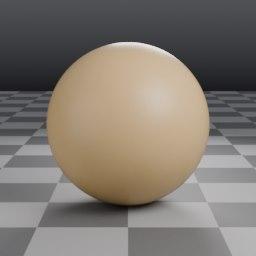
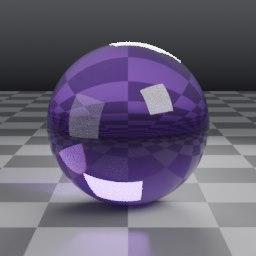
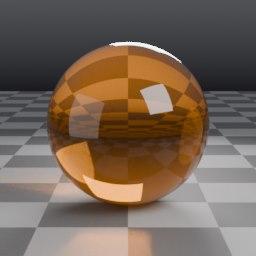
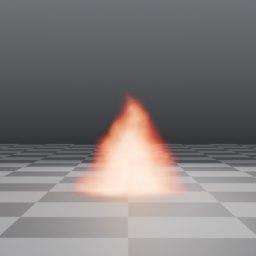
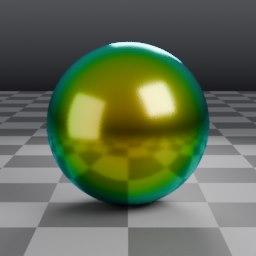
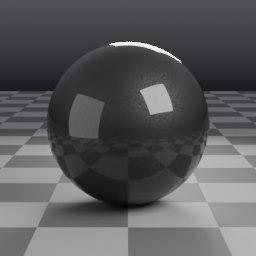
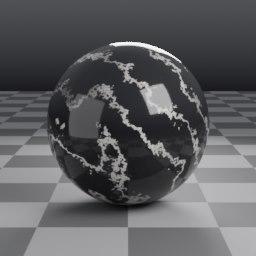
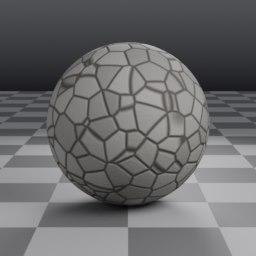
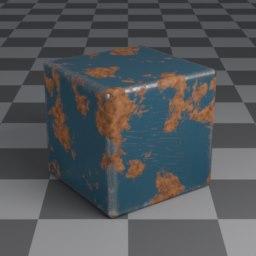
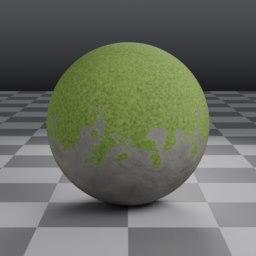
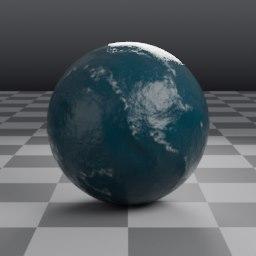
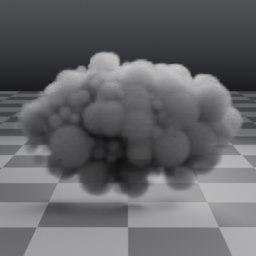
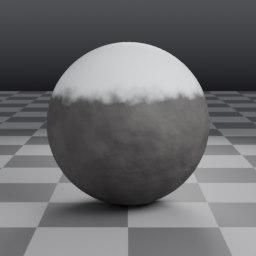
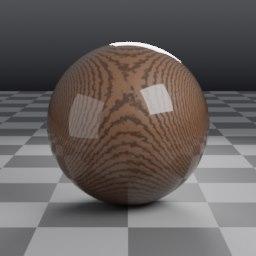
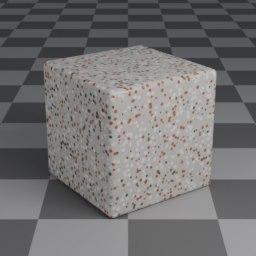
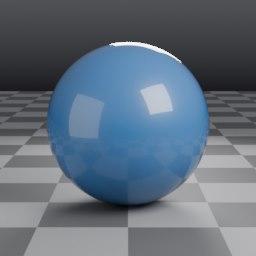
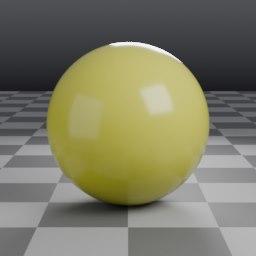
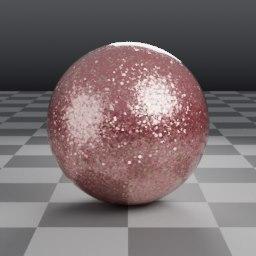
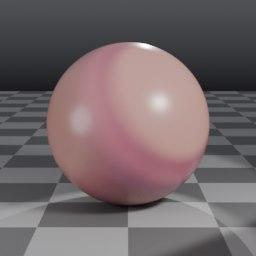
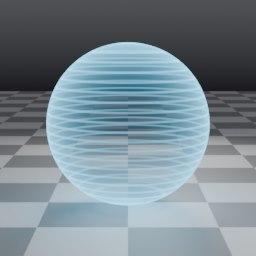
26 metals23 fabrics and leathers15 glass and liquids14 car paints10 skins10 hair and fur8 volumesand more
Support the project
MoonRay for Blender is built by a very small team of developers, and your payment is what keeps it going. Every tier gets the same full add-on and its updates; choose the one that fits how you use it, and pay its minimum or more. Fixes for the version you download are free.
Community
For individual artists who use MoonRay for Blender and want to keep it going.
Small teams
For studios and small teams who rely on it in their daily work.
Large teams
For larger teams who want to fund development properly.
Students: email nocklaystudios@gmail.com for a free copy.
Questions
Is there a free version?
No. MoonRay for Blender starts at $5, and what you pay keeps its development going. Students can email nocklaystudios@gmail.com for a free copy.
What's the difference between the tiers?
Only who each one is for and its minimum price. Every tier gets the same add-on and the same updates.
Do I need a graphics card?
No. MoonRay renders on the CPU, which needs to be 64-bit with AVX2: an Intel Core from 2013 or later, or any AMD Ryzen. Rendering on NVIDIA GPUs is being tested now.
Which versions of Blender does it work with?
Blender 4.5 LTS and newer. The setup finds the Blenders on your computer and installs into the ones you choose.
Is this made by DreamWorks?
No. MoonRay for Blender is an independent project by Emmanuel Okafor at Nocklay Studio, built on the open-source MoonRay release. More about the project.
What about macOS and Linux?
Both are coming. The current release is for Windows 10 and 11.
Do I get fixes?
Yes. Fixes for the version you download are free. Every release is listed in the changelog.
Who handles payment?
Paddle, our reseller, handles checkout, invoices and sales tax. It is a one-time payment with no subscription.